

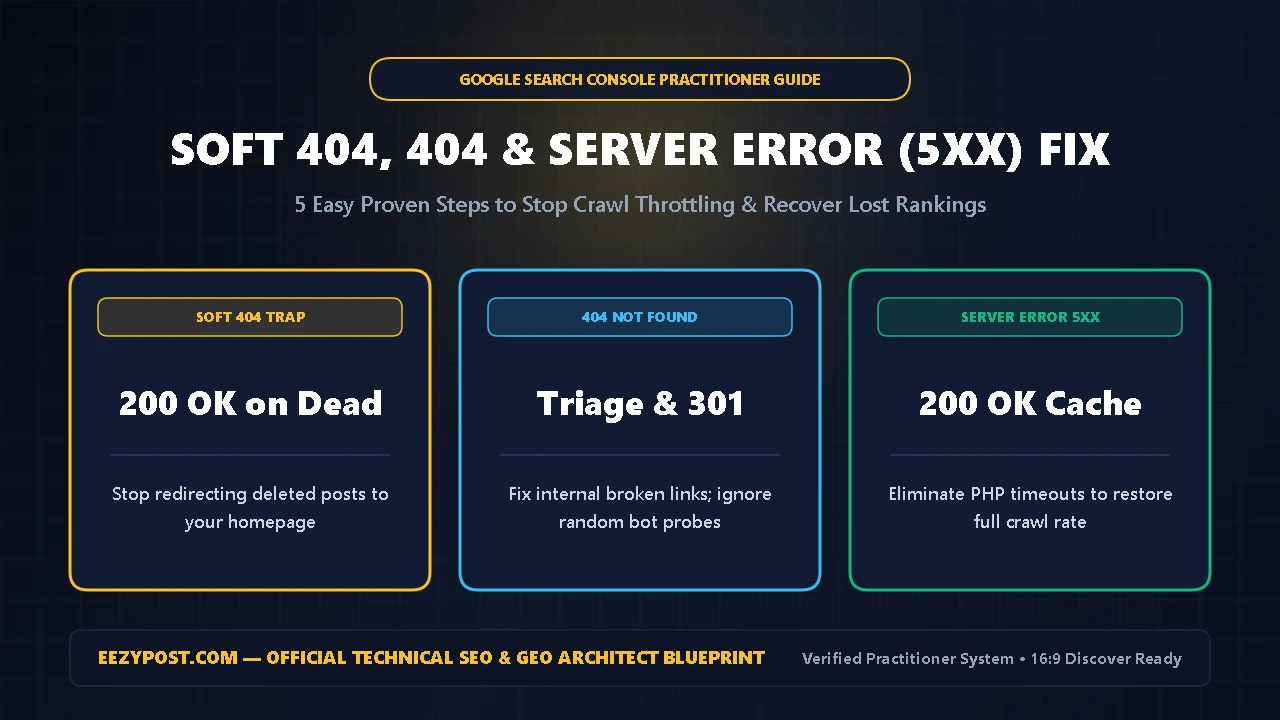
Direct Answer (Quick Summary): This soft 404 error fix is the exact 5-step practitioner checklist I use on EEZYPOST.com to clear HTTP status errors without hurting crawl budget. A Soft 404 happens when a page loads with a 200 OK success code, yet Googlebot sees thin text, an empty search result, or a generic homepage redirect and treats the URL as missing.
To complete a lasting soft 404 error fix across your site, you must: (1) learn how to fix soft 404 wordpress thin pages by adding real content or returning a true 410 Gone status, (2) stop redirecting deleted posts to your homepage, (3) triage not found 404 google search console links with targeted 301 redirects, (4) resolve server error 5xx google search console timeouts, and (5) batch-validate your fixes.
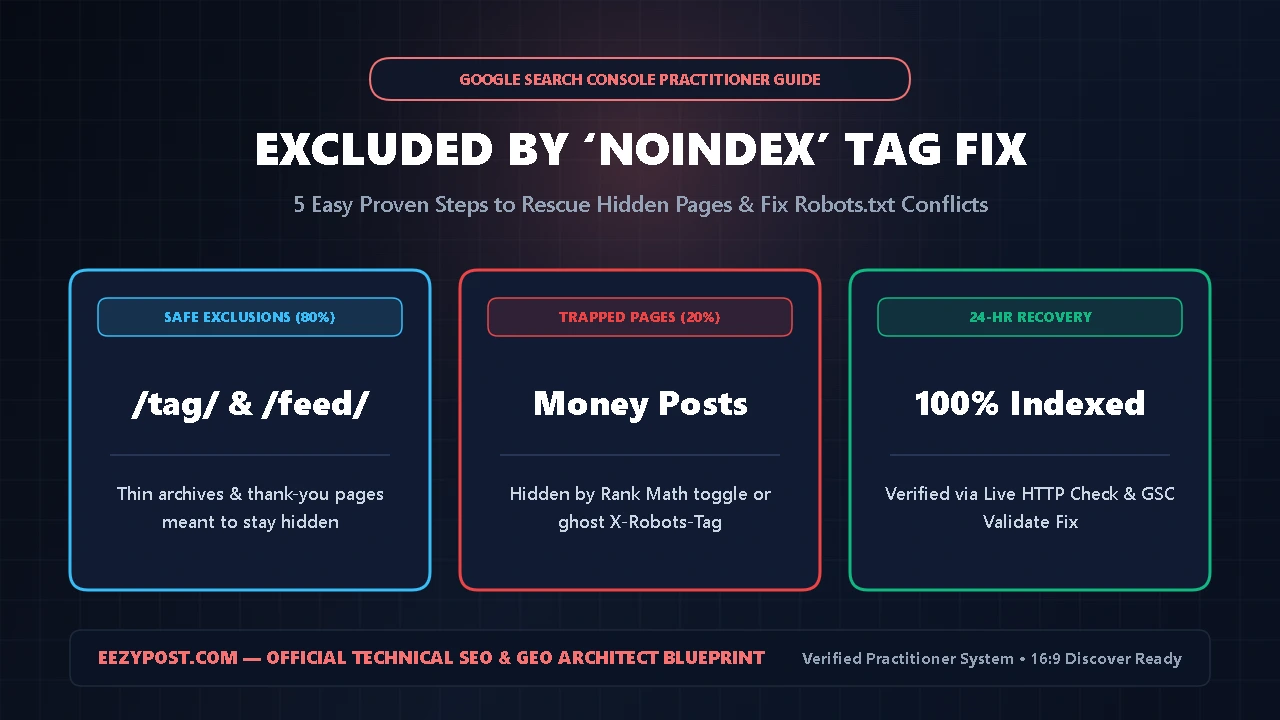
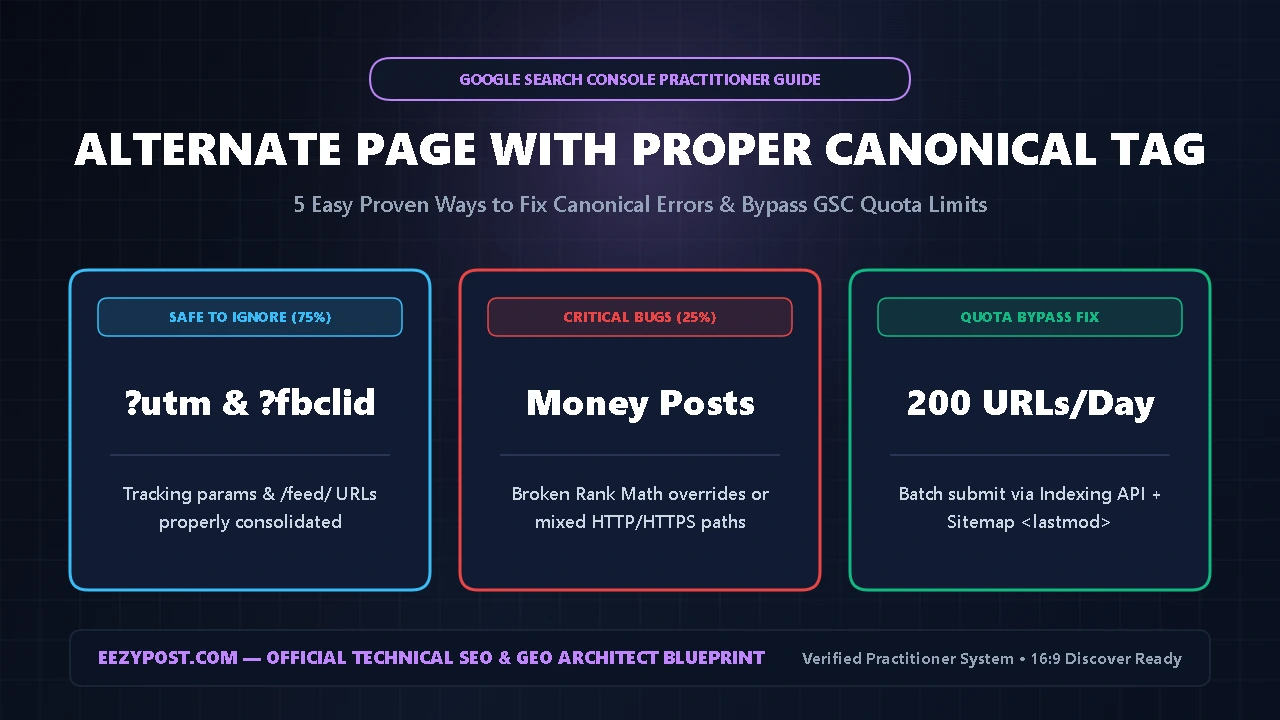
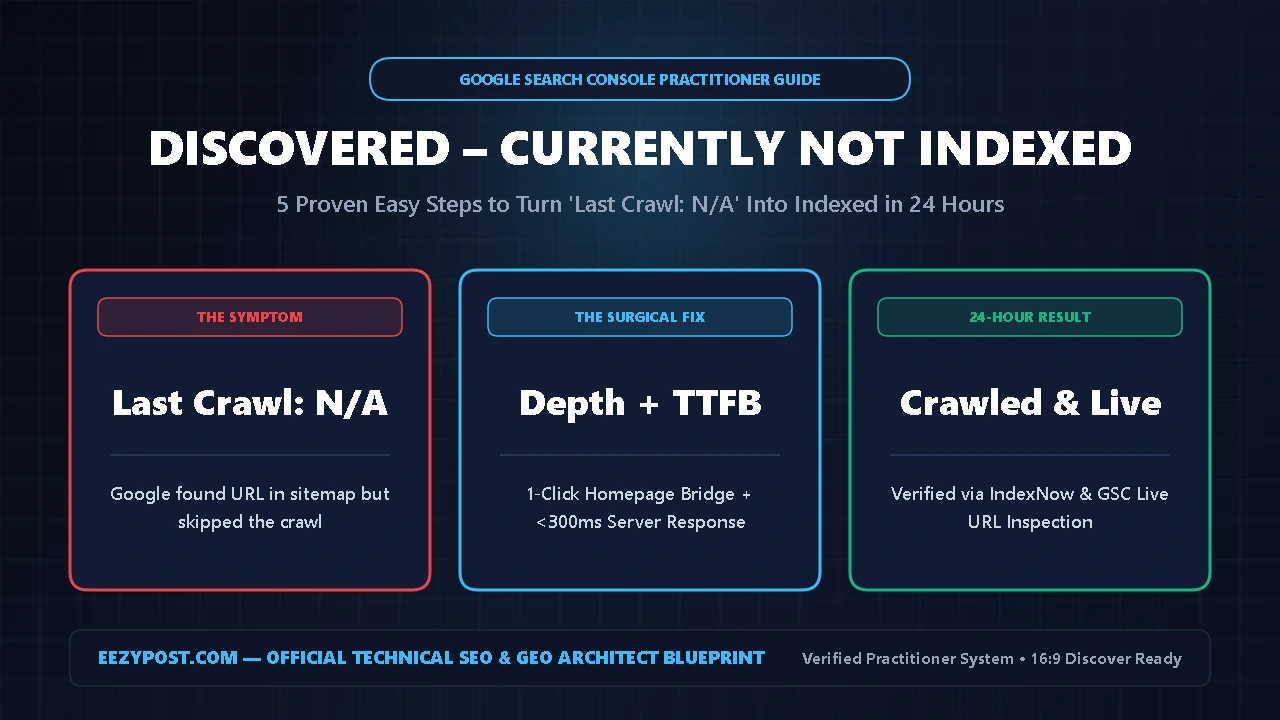
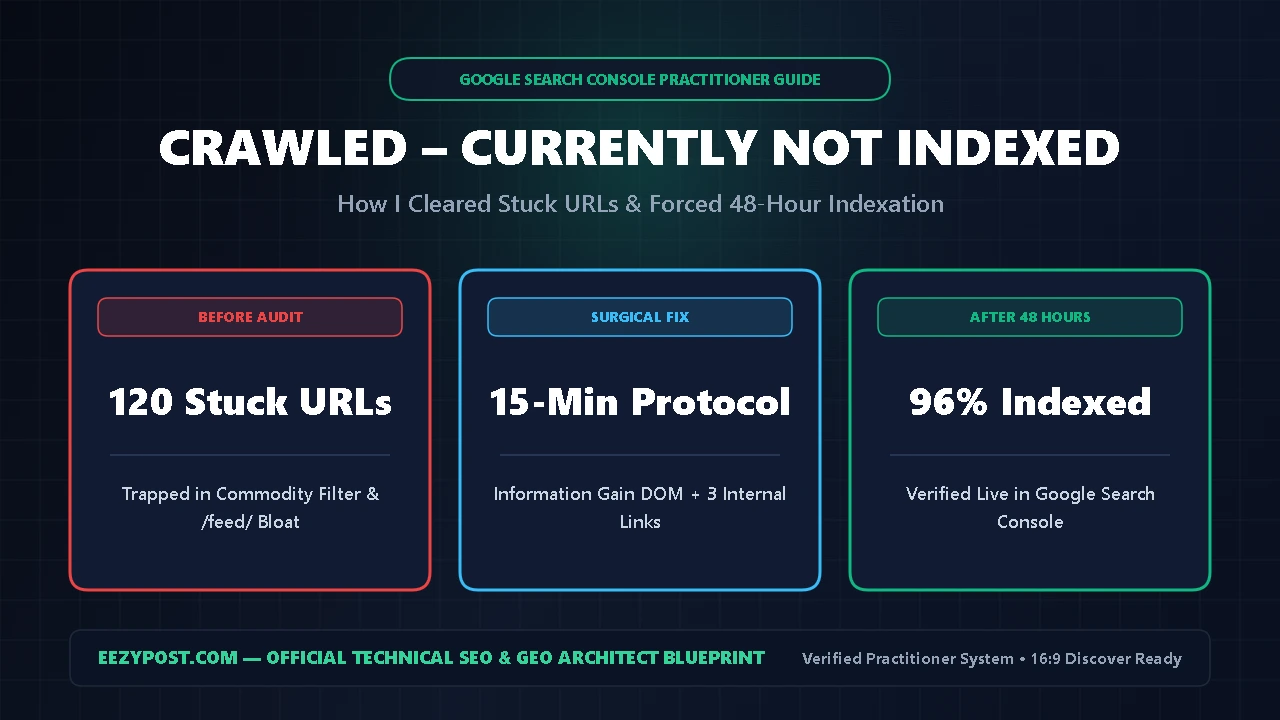
Over the last four guides in our Technical SEO series—covering our Crawled Currently Not Indexed Fix, Discovered Currently Not Indexed Fix, Alternate Page With Proper Canonical Tag Guide, and Excluded by Noindex Tag Fix—we cleared every non-error exclusion row in Google Search Console.
Today, we are tackling the red alert rows that actually stop Googlebot in its tracks: Soft 404, Not found (404), and Server error (5xx). Here is how I separate harmless background noise from real ranking killers.
Why You Need a Surgical Soft 404 Error Fix (HTTP Status Mechanics)
According to the official Google Search Central HTTP Status Codes Documentation, Googlebot relies on exact numeric HTTP headers to decide whether to index a page, drop it, or slow down crawling on your server.
When a broken URL returns a 200 OK code instead of a 404 or 410, Googlebot wastes crawl capacity parsing a dead page—which is why a clean soft 404 error fix protects both your index quality and crawl speed.
| GSC Error Status | HTTP Code Returned | Impact on Crawl Rate | Exact Practitioner Action |
| Soft 404 | 200 OK (on thin/dead page) | Wastes crawl budget on junk | Add 400+ words, 301 to match, or serve 410 |
| Not found (404) | 404 Not Found | Normal — zero crawl penalty | Fix internal links; 301 only if backlinks exist |
| Server error (5xx) | 500, 502, 503, 504 | Throttles site crawl rate | Fix PHP memory/timeouts & enable edge cache |
| Gone (410) | 410 Gone | Fastest clean de-indexation | Use in Rank Math for permanently deleted posts |
Use this breakdown before changing a single redirect rule inside WordPress.
Step 1: How to Fix Soft 404 WordPress Thin & Redirected Pages
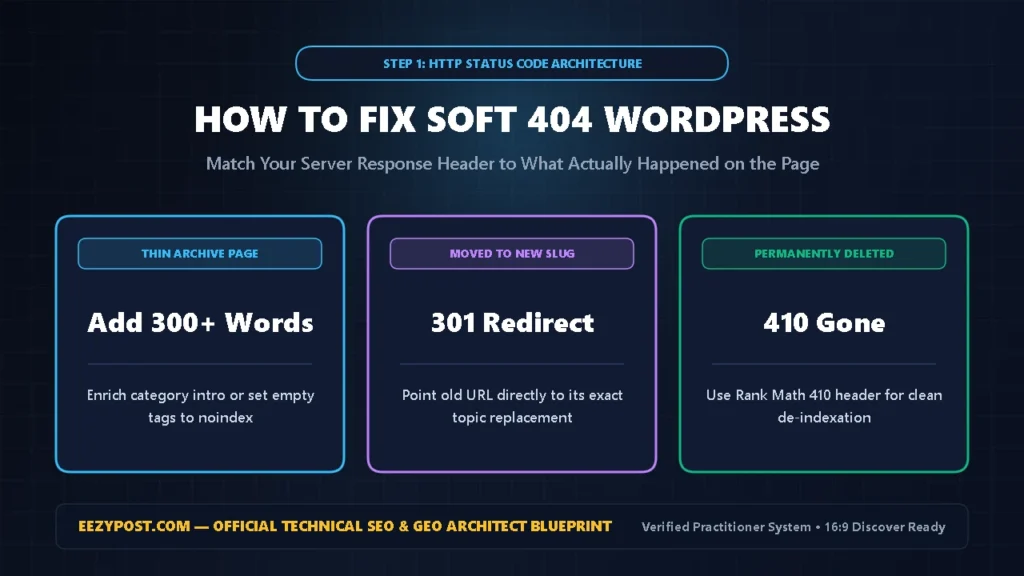
If you want to know how to fix soft 404 wordpress warnings permanently, export your Soft 404 list from GSC -> Indexing -> Pages and group the URLs into three buckets:
- Never Redirect Deleted Posts to Your Homepage: Many WordPress plugins offer an “Auto-Redirect All 404s to Homepage” toggle. Turn that off immediately. Google treats mass redirects to an unrelated homepage as Soft 404s because the destination does not match what the user clicked.
- Enrich Thin Category or Tag Pages: If a valid category page triggers a Soft 404 because it only lists one post, write a 250-word topical intro at the top of the archive or set it to
noindex. - Return a True
410 Content DeletedHeader: When you permanently delete an outdated article with no replacement, open Rank Math -> Redirections, create a new rule for that slug, and select 410 Content Deleted under Maintenance Code so Google drops it cleanly.
Step 2: Inspect Rendered HTML to Confirm Your Soft 404 Error Fix
Sometimes a completely healthy WordPress article gets flagged as a Soft 404 because a JavaScript error or firewall challenge blocked the main body text from loading when Googlebot visited.
Run this 60-second verification as part of your soft 404 error fix:
- Run GSC Live URL Inspection: Paste the flagged URL into Google Search Console -> URL Inspection and click Test Live URL.
- Check the Rendered Screenshot: Click View Tested Page -> Screenshot. If the preview shows a blank white screen, a Cloudflare security challenge, or a “Database Connection Error” notice, Googlebot saw an empty page even though the server sent
200 OK. - Whitelist Googlebot Assets: Ensure your caching plugin does not defer critical layout scripts in a way that breaks mobile rendering.
Step 3: Triage Not Found 404 Google Search Console Links Properly
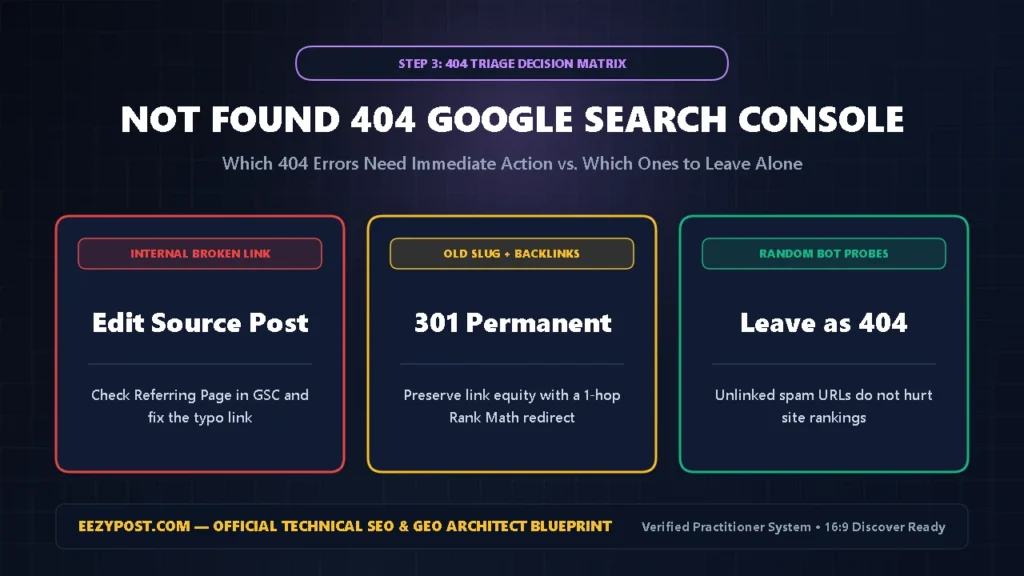
Seeing not found 404 google search console rows does not hurt your site’s rankings—Google explicitly confirms that 404s are a normal part of the web when old pages are removed. However, you should fix two specific types of 404s immediately:
- Internal Broken Links (
404sYou Link To): Sort your GSC 404 export and check Inspect URL -> Referring page. If another article on your own site links to a misspelled URL, edit that article and fix the broken link so Googlebot stops hitting a dead end. - Legacy Slugs With Backlinks or Traffic: If you changed a post’s permalink slug without setting up a redirect, add a direct
301 Permanent Moveinside Rank Math -> Redirections pointing the old slug to the new live URL. - Ignore Random Bot Probe URLs: If your not found 404 google search console list shows weird URLs like
/wp-login.phpor/index.php?spam=1that you never created, leave them returning404—Google ignores them automatically.
GSC Soft 404, 404 & Server Error (5xx) Triage Calculator
Calculate your Crawl Rate Throttling Risk, separate harmless spam 404s from real broken links, and pick the exact HTTP status code (301 vs 410 vs 200).
Step 4: Resolve Server Error 5xx Google Search Console Timeouts
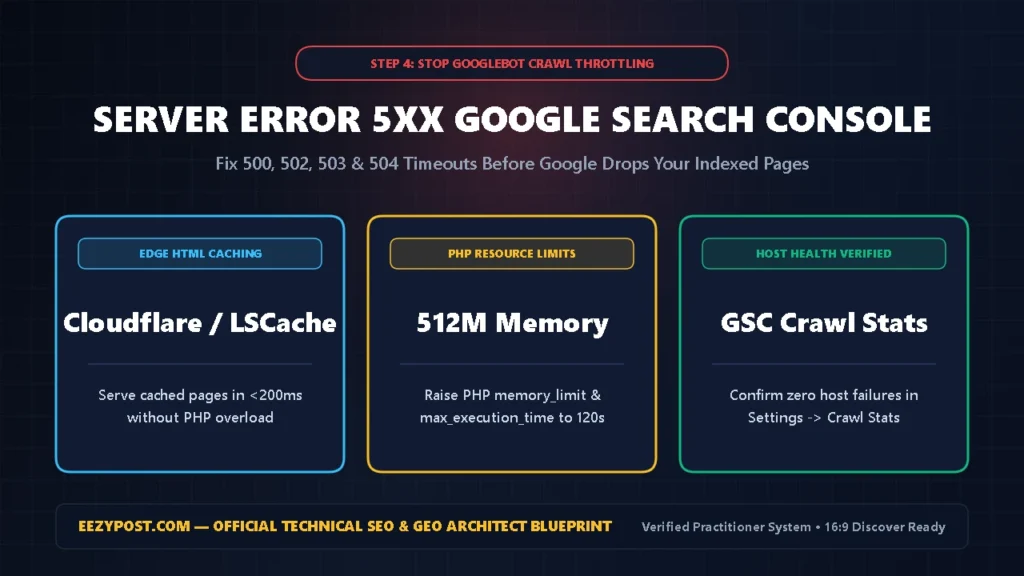
Unlike 404s, server error 5xx google search console alerts (500 Internal Server Error, 502 Bad Gateway, 503 Service Unavailable, and 504 Gateway Timeout) actively damage your SEO. When Googlebot hits repeated 5xx responses, it immediately reduces your site’s crawl rate and eventually drops affected pages from the index.
Apply this wordpress 503 500 error fix to stabilize your hosting environment:
- Separate Intermittent
503Spikes From Hard500Crashes: Test the URL in GSC -> Test Live URL. If it passes live inspection now, your server suffered a temporary CPU or PHP worker spike during a bot crawl. - Enable Full-Page Edge Caching: Configure Cloudflare cache rules or LiteSpeed Cache so Googlebot receives pre-built static HTML in under 200ms without spinning up heavy PHP processes.
- Increase PHP Memory & Execution Limits: For persistent
500or504timeouts on large posts, raisememory_limitto512Mandmax_execution_timeto120in your hosting PHP settings, and disable conflicting plugins one by one.
Step 5: Execute the WordPress 503 500 Error Fix & Batch Validation
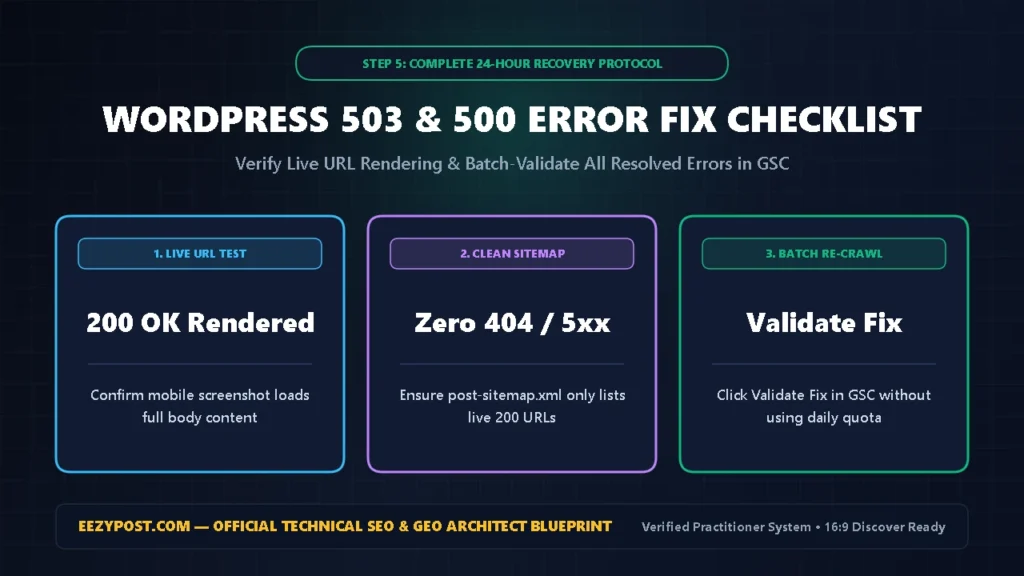
Once you have cleaned up your Soft 404 redirects, fixed internal 404 links, and verified stable 200 OK server responses, close out your wordpress 503 500 error fix in Google Search Console:
- Check GSC Crawl Stats Host Status: Open GSC -> Settings -> Crawl stats and verify that Host status shows a green checkmark with zero recent server connectivity failures.
- Click “Validate Fix” on Each Resolved Issue: Open the Soft 404 and Server error (5xx) detail pages inside Indexing -> Pages and click Validate Fix. Googlebot will automatically re-crawl your sample URLs in the background without consuming your daily manual URL Inspection quota.
Frequently Asked Questions (AEO Quick Answers)
What is the fastest soft 404 error fix in WordPress?
The fastest soft 404 error fix is turning off any plugin rule that redirects all 404s to your homepage, adding 300+ words of unique content to thin archive pages, or assigning a 410 Content Deleted status in Rank Math for permanently removed posts.
Do not found 404 google search console errors lower my rankings?
No. Standard not found 404 google search console entries for deleted or non-existent URLs do not penalize your domain. Only fix 404s that are linked internally from your own articles or old URLs that have valuable external backlinks using a 301 redirect.
How quickly does a server error 5xx google search console fix restore crawl rate?
Once you apply a wordpress 503 500 error fix—enabling full-page HTML caching and raising PHP memory limits so your server consistently returns 200 OK—Googlebot detects the improved stability and restores normal crawl frequency within 24 to 72 hours.





Leave a Reply