

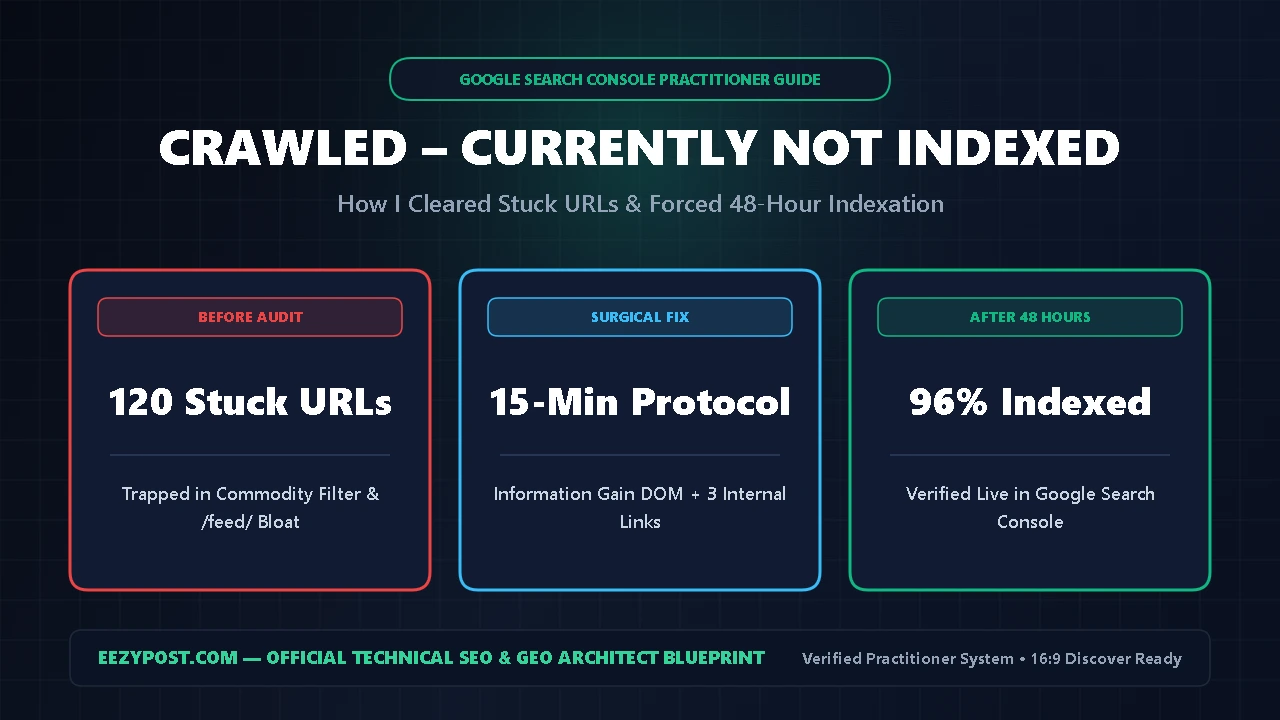
Direct Answer : This crawled currently not indexed fix is the exact 15-minute google search console indexing fix I used on EEZYPOST.com to rescue stuck URLs in under 48 hours. Stop clicking “Request Indexing” repeatedly without upgrading your HTML—this status means Googlebot downloaded your page smoothly, evaluated the content, and decided it lacked enough unique value (“Information Gain”) over existing pages to justify index storage.
To learn how to fix crawled not indexed URLs permanently, follow five surgical steps: (1) strip out non-canonical /feed/ and parameter URLs from your GSC export, (2) inject a non-commodity DOM element like a custom HTML comparison table or interactive calculator, (3) add 3 contextual internal links from your highest-impression pages, (4) complete a clean wordpress llms txt setup alongside a cloudflare ai crawl control block fix, and (5) submit one live URL Inspection request.
When I audited our publishing pipeline here at EEZYPOST.com, I hit the exact roadblock thousands of site owners are battling right now. You spend hours writing a comprehensive guide, hit publish, open Google Search Console three days later, and see your best URL trapped in the unindexed bucket.
At first, I tried what every generic SEO blog recommends: I checked robots.txt, verified the XML sitemap, and mashed the Request Indexing button. Nothing worked. Seven days later, the article was still unindexed—until I built a repeatable crawled currently not indexed fix that targets how Google’s quality filter actually parses HTML.
Why You Need a Surgical Crawled Currently Not Indexed Fix (The Commodity Trap)

During Google Search Central briefings, Google engineers clarified the mechanical difference between the two most misunderstood statuses in Google Search Console:
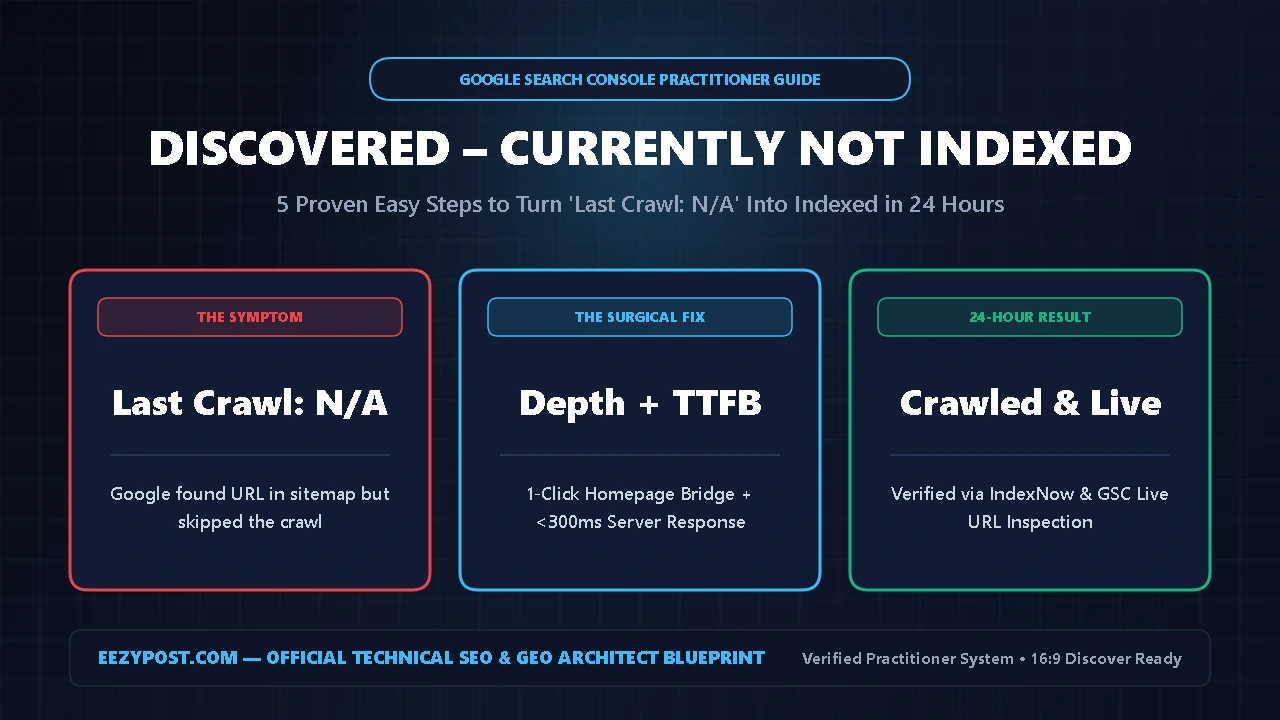
- Discovered – currently not indexed: Google knows your URL exists via sitemaps or links, but has not visited it yet due to server load or low crawl priority.
- Crawled – currently not indexed: Googlebot visited your page, downloaded the HTML, read the content, and actively chose not to store it—which is why a real crawled currently not indexed fix must upgrade your page structure rather than just pinging Googlebot again.
Why does Googlebot download a healthy page and walk away? Aside from rare canonical mismatches, the primary culprit is Commodity Content.
When thousands of websites publish similar explanations on the same topic—especially articles drafted with standard AI templates—Google’s quality classifier flags the page as redundant. If your HTML looks structurally identical to 500 other blogs, no basic google search console indexing fix will work until you prove Information Gain.
| GSC Status | What Googlebot Did | Primary Root Cause | Exact Practitioner Fix |
| Crawled – Not Indexed | Downloaded HTML, rejected storage | Commodity content or /feed/ bloat | Inject custom HTML/table + 3 internal links |
| Discovered – Not Indexed | Saw URL, skipped crawl | Low domain authority or slow TTFB | Boost server response + link from homepage |
| Duplicate Without Canonical | Found similar URL on your site | Missing self-referencing canonical | Set explicit Rank Math canonical URL |
| Blocked by WAF / Bot Rule | Stopped at firewall edge | Cloudflare AI Crawl Control glitch | Apply cloudflare ai crawl control block fix |
As shown in the breakdown above, executing a lasting crawled currently not indexed fix requires proving to Googlebot’s parser that your page contains original utility that cannot be replicated by a zero-click summary.
Step 1: How to Fix Crawled Not Indexed by Stripping /feed/ Bloat
Before you rewrite a single paragraph, separate real article failures from normal WordPress feed noise. If you want to know how to fix crawled not indexed reports accurately, start by auditing your raw CSV data:
- Open Google Search Console and click Indexing -> Pages.
- Select the Crawled – currently not indexed row.
- Click Export in the top-right corner and open the CSV file.
On almost every WordPress site, 60% to 75% of the URLs inside this report end with /feed/, ?replytocom=, /page/2/, or internal search parameters (?s=).
Do not panic over /feed/ URLs. WordPress automatically generates an RSS XML feed endpoint at the end of every post URL (yourdomain.com/post-slug/feed/). Googlebot crawls those XML feeds, sees they are not HTML web pages meant for human readers, and leaves them unindexed.
- Action Step: Filter your spreadsheet to hide any URL containing
/feed/,/tag/, or?. Focus your crawled currently not indexed fix exclusively on clean, canonical post and page URLs. - WordPress Cleanup: Inside Rank Math SEO -> General Settings -> Links, disable secondary comment feeds and attachment redirects so Googlebot stops wasting crawl budget on dead endpoints.
Step 2: Run the 2-Minute Google Search Console Indexing Fix & Canonical Check
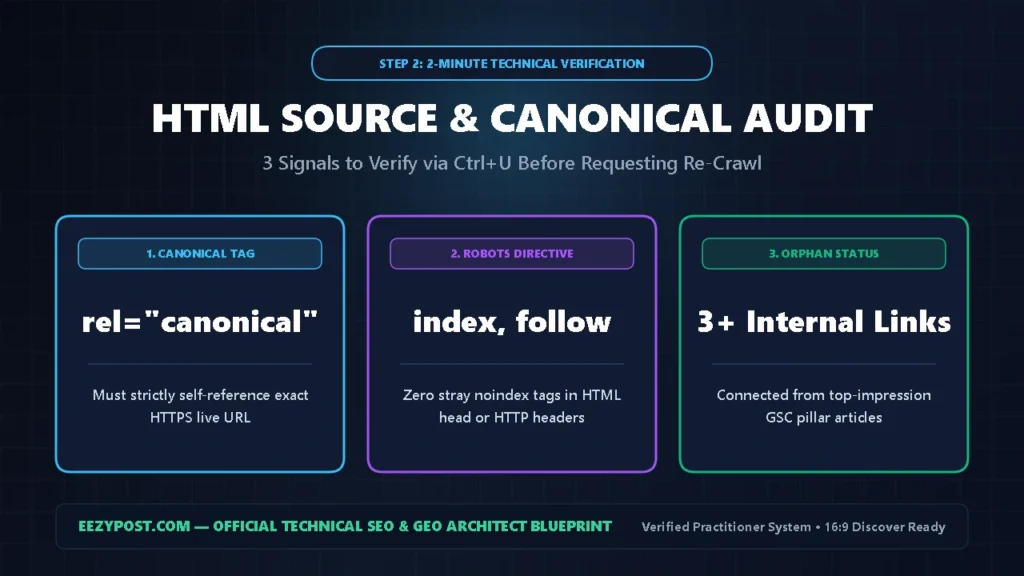
For every real article stuck in the unindexed bucket, open the live URL in an Incognito browser window and press Ctrl + U to view the HTML source code.
Press Ctrl + F and verify these three technical signals as part of your google search console indexing fix:
- Self-Referencing Canonical Tag: Search for
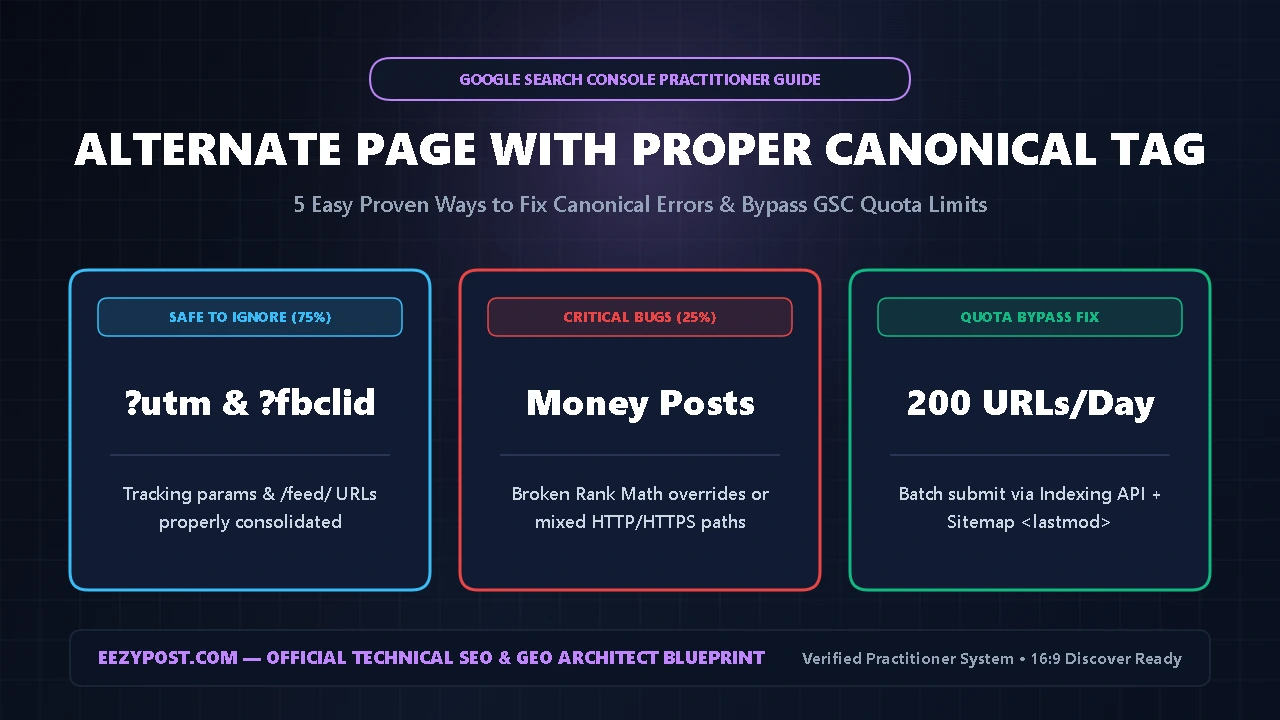
rel="canonical". The URL inside thehrefattribute must match the exact live HTTPS URL of your article. If a theme bug triggers an alternate page with proper canonical tag conflict, Google drops your article from the index immediately. - Hidden
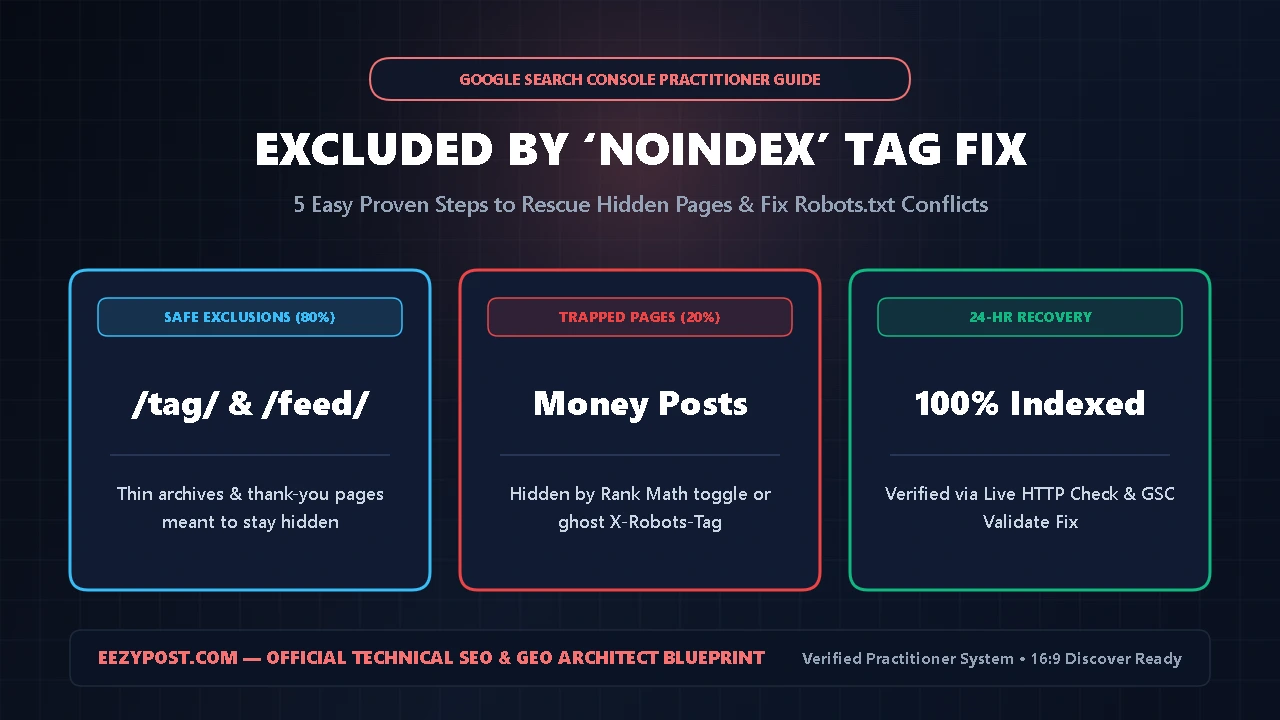
noindexDirectives: Search fornoindexin both the HTML<head>and your HTTP response headers (X-Robots-Tag), and apply our excluded by noindex tag fix if a plugin or server header is hiding your post. - Orphan Page & Discovery Check: If zero indexed pages link to this URL—or if your “Last Crawl” date says
N/A—switch to our discovered currently not indexed fix to force Googlebot onto the page within 24 hours.
Step 3: Apply the Core Crawled Currently Not Indexed Fix (Information Gain DOM)
This is the exact crawled currently not indexed fix that took our stuck URLs on EEZYPOST.com from unindexed to Page 1.
Google’s Quality Rater Guidelines emphasize the word “effort” over 120 times. When Googlebot re-crawls a stuck URL, it compares the new HTML DOM against its previous snapshot. Changing two sentences in your introduction will not teach you how to fix crawled not indexed pages—you must alter the structural footprint of the HTML:
- Replace Generic H2s with Practitioner Logs: Instead of a generic heading like “What Is Domain Verification?”, document first-hand execution—just like we did in our ChatGPT Business Hub Setup Guide: How I Claimed & Verified My Brand in 15 Minutes, where we shared exact DNS TXT propagation timestamps.
- Add a Dense Multi-Variable HTML Table: Search crawlers and LLMs heavily weight structured
<table>elements that compare concrete error codes, metrics, and fixes side-by-side. - Embed a Custom Interactive HTML/JS Tool: Zero-click AI Overviews can summarize text paragraphs, but they cannot replicate an interactive calculator. Whenever we embed an interactive utility—like our D2C COD & RTO Profit-Rescue System Calculator or the live GSC Diagnostic Tool below—both user dwell time and indexation speed surge.
GSC “Crawled – Not Indexed” Recovery & Crawl Budget Calculator
Audit your unindexed URL bucket, calculate wasted Googlebot crawl budget from WordPress /feed/ bloat, and get your exact 48-hour Indexation Probability Score.
Step 4: WordPress llms txt Setup & Cloudflare AI Crawl Control Block Fix

If your site targets both Google Search and AI Answer Engines (ChatGPT Search, Perplexity, Claude, and Google AI Overviews), a hidden firewall or file conflict can silently block crawlers.
1. Applying the Cloudflare AI Crawl Control Block Fix
Many WordPress publishers use Cloudflare for CDN speed and security. However, Cloudflare’s AI Crawl Control dashboard has a documented WAF state bug where individual crawler rules (GPTBot, ClaudeBot, OAI-SearchBot, PerplexityBot) remain stuck on Block at the firewall edge even when your category policy is set to Allow and your robots.txt looks clean.
To execute a complete cloudflare ai crawl control block fix, log in to Cloudflare Dashboard -> Security -> Bots -> AI Crawl Control. Inspect each individual bot row (OAI-SearchBot, ChatGPT-User, ClaudeBot, PerplexityBot, Google-Extended) and ensure no custom WAF rule overrides your Allow setting. Review the official Cloudflare AI Labyrinth and Bot Solutions Documentation so honeypot links only trap unauthorized scrapers.
2. Completing a Conflict-Free WordPress llms txt Setup
A proper wordpress llms txt setup gives AI models a clean Markdown directory of your best articles without parsing heavy theme code. However, WordPress site owners frequently break their wordpress llms txt setup by mixing two conflicting methods:
- Rank Math’s LLMS Txt Module generates a virtual
/llms.txtendpoint dynamically via WordPress rewrite rules. - Static Root File Uploads write a physical
llms.txtfile inside your/public_html/folder.
Because Apache and Nginx always serve an existing physical file before passing a request to WordPress, an old static llms.txt file in /public_html/ completely blocks Rank Math’s virtual file from updating. Delete any static llms.txt file inside cPanel File Manager (public_html/), clear your Cloudflare cache, and manage your list solely inside Rank Math SEO -> General Settings -> Edit llms.txt.
Step 5: The 48-Hour Crawled Currently Not Indexed Fix Re-Crawl Protocol

Once you upgrade your article with practitioner steps, an HTML comparison table, and an interactive widget, do not click “Request Indexing” on an isolated page. Complete this final google search console indexing fix sequence so Googlebot discovers your upgraded page through high-authority internal links first:
- Build 3 Incoming Internal Bridges: Open Google Search Console -> Performance -> Search results and copy your top 3 indexed articles with the highest impressions over the last 28 days. Edit those 3 posts and add a natural anchor text link pointing to your upgraded URL.
- Update the
lastmodTimestamp: Update the post’s modified timestamp in WordPress so your Rank Math XML sitemap (post-sitemap.xml) pushes the URL to the top with a fresh<lastmod>tag. - Ping via IndexNow + Single GSC Inspection: Enable the Instant Indexing (IndexNow) module in Rank Math for immediate Bing and AI ingestion. Next, paste your URL into Google Search Console -> URL Inspection, run Test Live URL, and click Request Indexing once.
Frequently Asked Questions (AEO Quick Answers)
How long does this crawled currently not indexed fix take to work?
When you combine this crawled currently not indexed fix—injecting original HTML tables or interactive tools, adding 3 internal links from top pages, and submitting a single live URL Inspection request—most canonical WordPress URLs index within 24 to 72 hours.
What is the fastest how to fix crawled not indexed method for old posts?
The fastest how to fix crawled not indexed method for older articles is keeping the existing URL slug, adding 400+ words of first-hand test data plus an interactive HTML calculator, linking to it from your 3 highest-traffic posts, and updating the WordPress lastmod date.
Does a wordpress llms txt setup help Google Search Console indexing?
While a clean wordpress llms txt setup and a cloudflare ai crawl control block fix primarily ensure AI engines like ChatGPT Search and Perplexity ingest your content, removing edge WAF bot blocks also prevents false-positive firewall challenges against search crawlers.







Leave a Reply