


If you have an account hacked even with 2FA turned on, the attacker rarely guessed your code—they stole an already logged-in browser session cookie or hooked a persistent backdoor into your account . Under the Eezypost Clean-Room 5-Step Recovery Protocol, you must disconnect the suspected computer first, switch to an uncompromised phone, revoke every active session and third-party app from your primary email outward, wipe hidden forwarding rules, and reset passwords last .
Most recovery guides fail you in the first two minutes. They tell you to change your password and run a quick antivirus scan on the computer sitting right in front of you.
Do that during an active session hijack, and you hand the intruder your brand-new password in real time . Worse, changing a password does not always terminate active login tokens, third-party OAuth apps, or hidden inbox forwarding filters . You think the door is locked while the attacker is still sitting inside the living room.
How Can Someone Hack Your Account With 2FA Turned On?
Two-factor authentication only guards the front door during a fresh sign-in; it does nothing once a website hands your browser a valid session cookie proving you already logged in. Attackers bypass 2FA today by stealing those live cookies, proxying your login page in real time, abusing connected apps, or socially engineering customer support .
You did not hallucinate. No login email arrived, no 6-digit text pinged your phone, and no “new device detected” alert flashed because, from the server’s point of view, your browser was already verified.
In 2026, almost every case of an account hacked even with 2FA traces back to one of four mechanisms. Identify yours before touching a single setting:
| Bypass Method | How It Actually Happened | Telltale Symptom | First Mandatory Action |
| Infostealer Malware (Cookie Theft) | Pirated game/software, cracked mod, sketchy PDF, or a “Fake CAPTCHA” (Win + R paste) grabbed browser cookies silently. | Multiple accounts hit within hours; zero login alerts; antivirus quick scan says “0 threats”. | Unplug/disable Wi-Fi on that PC immediately; recover from a clean phone . |
| Real-Time Phishing Proxy (AiTM) | You entered your password and 2FA code on a lookalike page (e.g., Evilginx2) that relayed both to the real site and pocketed the cookie . | Single account hit shortly after clicking an urgent email, DM, or invoice link . | Revoke all active sessions, reset password, and audit inbox forwarding rules . |
| Rogue OAuth App or Browser Extension | You clicked “Sign in with Google/Microsoft” on a shady tool or installed an over-permissioned Chrome/Edge extension. | Spam emails or unauthorized actions keep returning even after you reset your password . | Remove third-party app permissions and delete every non-essential browser extension. |
| Support Social Engineering or SIM Swap | An attacker used leaked purchase receipts, public gaming profiles, or carrier fraud to convince support to strip your 2FA . | Password or email changed abruptly on one gaming, crypto, or bank account with no PC malware . | Freeze linked payment cards, gather original purchase receipts, and lock your mobile carrier PIN . |
Look closely at row one. Across public security help forums in 2026, the single fastest-growing trap is ClickFix (Fake CAPTCHA). Even legitimate small online shops get injected with a fake “Verify you are human” popup asking you to press Win + R, Ctrl + V, and Enter . The moment you hit Enter, a hidden PowerShell window downloads an infostealer like LummaC2, empties your browser’s saved passwords and session tokens in seconds, and disappears .
No legitimate website on earth will ever ask you to paste a verification command into Windows Run, Terminal, or PowerShell. Ever.
Why Does Changing Your Password Fail to Kick Hackers Out?
Resetting your password fails when an attacker holds an active refresh token, an OAuth app grant, an app-specific password, or silent malware running on the exact computer you used for the reset . Depending on the platform, existing session tokens can stay valid long after a password update, letting the intruder watch your recovery happen live .
Here are the three concrete reasons people dealing with an account hacked even with 2FA get re-hacked the very next morning:
- You recovered on the infected machine. If an infostealer or malicious browser extension is still sitting on your laptop, logging into Gmail or your password manager to “fix things” just feeds it fresh cookies.
- Tokens outlive passwords. In environments like Microsoft Entra, access tokens routinely stay active for 60 to 90 minutes even after revocation, and many consumer apps keep mobile or third-party sessions alive unless you manually trigger “Sign out everywhere” .
- You missed the silent backdoors. Smart attackers immediately create a hidden email filter (auto-forwarding security alerts to another address and marking them as read/deleted) or add a backup recovery phone, passkey, or third-party OAuth app. You change the lock; they keep a copy of the garage remote.
Account Hacked Even With 2FA? What to Do in the First 10 Minutes
When you discover an account hacked even with 2FA, isolate the suspected device first and execute every recovery step from a separate, clean smartphone on cellular data . Follow the Eezypost Clean-Room 5-Step Recovery Protocol in strict order—skipping Step 1 or Step 3 is what causes repeat takeovers.
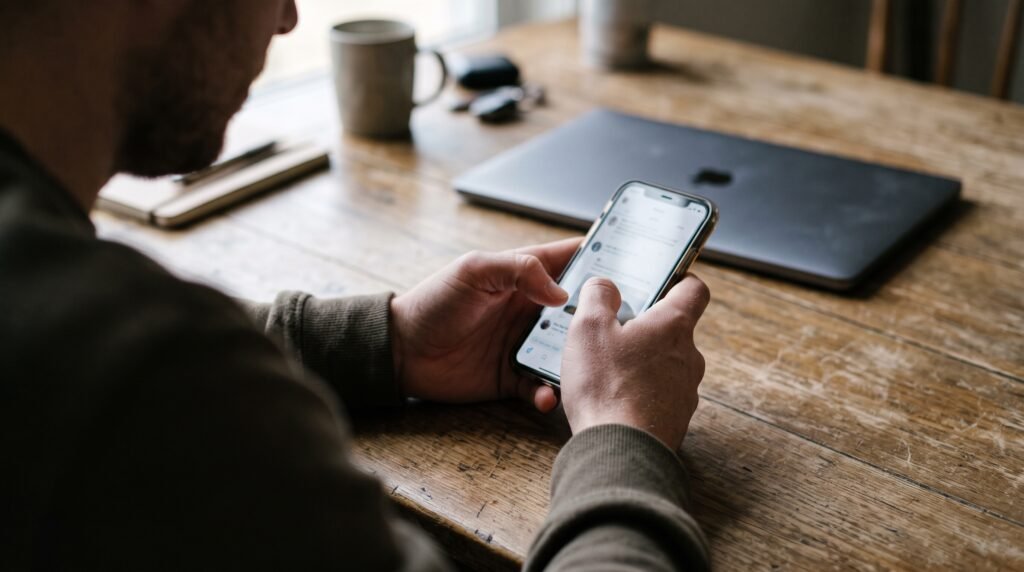
Step 1: Quarantine the Suspected PC Immediately (Minute 0–1)
Disconnect the computer from Wi-Fi, unplug the Ethernet cable, or shut it completely off . Do not open Chrome “just to check one receipt.” Pick up your smartphone or a second device that never touched the suspicious download or link .
Step 2: Lock Down Your Primary Email First—Before Anything Else (Minute 1–4)
Your primary inbox (Gmail, Outlook, iCloud) is the master key to every bank, social profile, and shopping account you own . Start there, not on Instagram or Steam :
- Change the email password to a brand-new, unique 16+ character passphrase generated in a standalone password manager (never reuse an old password and avoid browser-only storage during recovery) .
- Go straight to Security → Your Devices and click Sign out of all devices / End all sessions .
- Regenerate your 2FA backup codes immediately—old printed or saved codes let attackers right back in .
Step 3: Hunt and Delete Hidden Backdoors (Minute 4–7)
Do not leave your email dashboard yet. Check four specific hiding spots attackers love :
- Forwarding & Filters: Open webmail settings and delete any forwarding address, auto-delete rule, or delegate you did not build .
- Connected Third-Party Apps (OAuth): Revoke every unrecognized app, script, or “Sign in with…” connection .
- App Passwords & Recovery Methods: Delete legacy app passwords and verify that your recovery email, recovery phone, and registered passkeys belong solely to you .
- Sent & Trash Folders: Check if the intruder sent wire requests, crypto scams, or password-reset emails—and warn anyone they messaged by phone .
Using Outlook or Hotmail and stuck with a rule that keeps coming back or refuses to delete? Follow our dedicated walkthrough on fixing an Outlook hacked forwarding rule you cannot delete.
Step 4: Work Down the Blast-Radius Ladder (Minute 7–10)
Once your primary email is sealed, secure your other accounts from the clean phone in strict priority order :
- Password manager (change the master password and deauthorize active sessions) .
- Banking, PayPal, and crypto exchanges (freeze compromised cards via the official banking app—never a number from an email).
- Cloud storage & work accounts (Google Drive, OneDrive, iCloud, Slack) .
- Social media & gaming accounts (LinkedIn, X, Discord, Steam, PlayStation, Instagram) .
On every single account, force Sign out everywhere after changing the password .
Step 5: Re-Audit After 24 Hours
Set a 24-hour alarm on your phone. Open your primary email’s security log, connected apps list, and forwarding rules one more time . If anything unfamiliar reappeared, an infected device on your network is still leaking tokens—or a forgotten recovery method is still attached .
Worried about unauthorized payments or apps acting without your permission? Read our guide on AI Agent Purchase Approval: Can AI Buy Without Asking?
Should You Trust an Antivirus Scan or Wipe Your PC Completely?
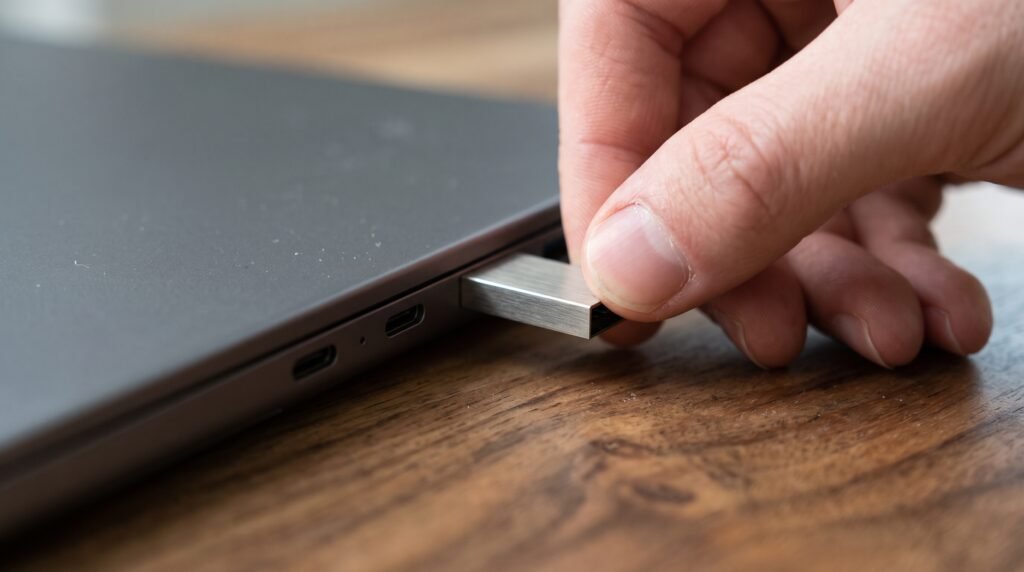
If an infostealer hit your computer via a pirated download or Fake CAPTCHA prompt, do not trust a clean antivirus scan. Modern infostealers routinely self-delete right after shipping your browser cookies out, so a “0 threats found” screen proves nothing . Only a clean operating-system reinstall from a bootable USB drive removes deep persistence reliably .
Proof & Real-World Friction: 3 Traps Almost Every Guide Misses
These are the exact failure points that trip up careful people after an incident:
- The “0 Threats Found” Mirage (and How to Verify a Fake CAPTCHA Run): Victims run Windows Defender or Malwarebytes Free, see zero detections, and assume it was a false alarm . Because Lumma-style stealers execute in memory and erase themselves after exfiltration, standard scans often come up empty .
- Forensic check on Windows: Press
Win + R, typeeventvwr, and open Applications and Services Logs → Microsoft → Windows → PowerShell → Operational . Filter for Event ID 4104 (Script Block Logging) around the date of the incident. If you spot obfuscated commands using-WindowStyle Minimized(-WI mINImi),wget, orwin.inistrings, treat the PC as completely burned .
- Forensic check on Windows: Press
- Why Windows “Reset This PC” Is Not Enough: Clicking Settings → Recovery → Reset this PC reuses local recovery files already sitting on the compromised drive. Persistent malware and rogue scheduled tasks can survive a soft reset .
- The hard rule: Back up only raw personal documents and photos (zero
.exe,.zipsoftware installers, or game files) to an external drive . Build a fresh Windows installation USB on a separate, clean computer, boot from that USB, delete every partition on the main drive, and install clean .
- The hard rule: Back up only raw personal documents and photos (zero
- The “Recovery Hacker” DM Scam: If you post for help on Reddit, X, or Facebook about a locked PlayStation, Instagram, or crypto account, scammers will flood your DMs within minutes claiming they know an insider or “ethical hacker” who can restore it for a fee . Every single one is a scammer . Real account recovery only happens through official support portals using original purchase receipts, transaction IDs, and device serial numbers.
Who can skip the full USB wipe? If your incident clearly came from a single real-time phishing link you typed into (no file downloaded, no Win + R command pasted, and only that single account was touched), revoking sessions, auditing OAuth apps, removing suspicious browser extensions, and running a full offline scan is usually sufficient. If you end up with an account hacked even with 2FA across multiple unrelated services and zero login alerts, skip the guesswork and wipe from USB.
How Do You Permanently Stop 2FA Bypass and Session Hijacking in 2026?
Upgrade your critical accounts from SMS or 6-digit app codes to phishing-resistant FIDO2 passkeys or hardware security keys, and use a browser that supports Device Bound Session Credentials (DBSC) . Together, they close both halves of the modern bypass gap: passkeys block real-time phishing proxies, while DBSC makes stolen session cookies useless on an attacker’s computer.
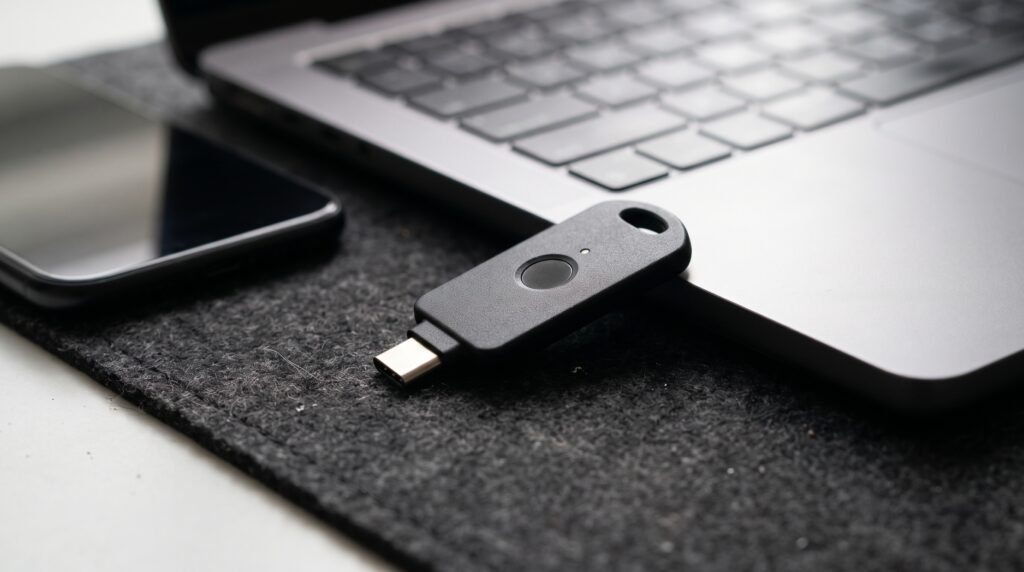
Most people assume all 2FA is equal. It is not. According to the CISA Phishing-Resistant MFA Fact Sheet, FIDO/WebAuthn (passkeys and hardware security keys) is the only widely available authentication method that stops phishing proxies structurally, because the browser binds the cryptographic signature to the real domain name .
Meanwhile, in April and May 2026, Google pushed a massive defense directly to everyday users: Device Bound Session Credentials (DBSC) reached general availability in Chrome 146 on Windows (with macOS rollout following) and is turned on by default for personal Google accounts and Google Workspace. As detailed on the Google Security Blog, DBSC locks short-lived session cookies to a non-exportable private key inside your computer’s hardware Trusted Platform Module (TPM) . Even if an infostealer copies the cookie file off your hard drive, it expires rapidly and cannot be refreshed from an attacker’s machine .
Compare how each protection tier actually prevents having an account hacked even with 2FA in 2026:
| Protection Method | Stops Password Leaks | Stops SIM Swap | Stops Phishing Proxy (AiTM) | Stops Stolen Session Cookies | Recommended Priority |
| SMS / Voice 2FA | Yes | No | No | No | Last resort only |
| Authenticator App (6-Digit TOTP) | Yes | Yes | No | No | Good baseline for minor sites |
| Passkeys / FIDO2 Hardware Key | Yes | Yes | Yes | No (if PC already infected) | Mandatory for email, bank, password manager |
| Chrome DBSC (TPM-Bound Sessions) | N/A | N/A | N/A | Yes (on supported sites & Chrome 146+ Windows) | Keep Chrome updated; active by default on Google |
Your 4-Move Hardening Checklist (Under 15 Minutes)
- Move your top 5 accounts to Passkeys or two FIDO2 hardware keys (primary email, password manager, banking, Apple/Google ID, primary social/work account) . Keep one physical key on your keychain and one locked in a drawer as a backup.
- Stop storing high-value passwords inside your web browser. Dedicated password managers (like Bitwarden, 1Password, or Proton Pass) encrypt vaults behind a separate master password and lock automatically, unlike browser profiles that infostealers target first.
- Update Chrome (version 146 or newer on Windows with TPM enabled) so Google’s DBSC protection binds your Google sessions to your hardware automatically .
- Separate your browsing profiles and audit extensions quarterly. Keep banking and primary email in a bare, zero-extension browser profile. Never run cracked games, pirated software, or unknown PowerShell commands on any machine where you stay signed into financial or personal email accounts .
Locking down your accounts is only half of personal security—see how modern devices handle your personal data in Can AI Wearables Record You Without Consent? (2026).
Frequently Asked Questions
Can a hacker bypass Google Authenticator or Authy?
Yes. Attackers bypass authenticator apps in two main ways: stealing an active browser session cookie with infostealer malware after you already logged in, or tricking you into typing your 6-digit code into a real-time phishing proxy that relays it instantly.
Why didn’t I get a login alert when my account was hacked?
Because the attacker never triggered a new login. When you have an account hacked even with 2FA through stolen session cookies, the website treats the intruder’s browser as your already verified session—so no password prompt, 2FA text, or new-device alert fires.
Does changing my password log out hackers with stolen cookies?
Not always . While some services invalidate cookies on a password reset, others keep active access tokens, mobile sessions, app passwords, or third-party OAuth connections alive until you explicitly click “Sign out everywhere” and revoke connected apps .
If my antivirus found zero viruses, am I safe from an infostealer?
No. Modern infostealers often execute in memory and delete themselves seconds after uploading your browser cookies and saved passwords . If multiple accounts were compromised despite 2FA, assume the PC is untrusted and perform a clean bootable USB reinstall .
Do passkeys stop session cookie theft?
Passkeys stop real-time phishing proxies completely because they refuse to sign into fake domains . However, if malware is already running on your computer, it can still read unprotected cookies afterward—which is why pairing passkeys with hardware-bound sessions like Chrome DBSC matters.

Leave a Reply